

This article contains AI-assisted content and has been reviewed and published by a human editor.
What happened last week and why it matters
On April 2, 2026 Bitly announced two AI-driven features — Bitly Assist, a conversational analytics assistant, and Weekly Insights, an automated summary product — that let teams ask natural-language questions of link and QR-code data and receive actionable answers instantly. The new features are embedded directly inside the Bitly interface, designed to reduce the manual steps marketers use today to surface insights from link-level performance. Bitly’s product announcement.

What Bitly Assist and Weekly Insights do (quick technical summary)
Bitly Assist is a persistent, context-aware chat panel inside the Bitly app that answers questions such as which links drove the most clicks, which channels produced the best engagement, or which QR codes converted on mobile — all without exporting CSVs or building dashboard filters manually. Weekly Insights automatically generates concise, shareable summaries of link and QR activity on a cadence, surfacing anomalies and top-performing assets. Both features are available in the Bitly product documentation and the company press materials. Details on Bitly Assist and the support overview explain availability and plan gating.
Why this matters for digital marketing reporting dashboards
The core change is behavioral: teams can reach an insight via conversation instead of dashboard exploration. That short-circuits time-to-insight and reduces reliance on bespoke reporting templates. For teams that use link-level inputs as a primary signal in multi-touch attribution or pipeline reports, Bitly’s AI layer will influence how dashboards are built, which dimensions are pre-aggregated, and which metrics are promoted to scorecards. Industry coverage summarized the product launch and positioned it as a wider trend toward embedding AI into specialist analytics products. Practical Ecommerce’s roundup.
Immediate implications: governance, privacy, and accuracy
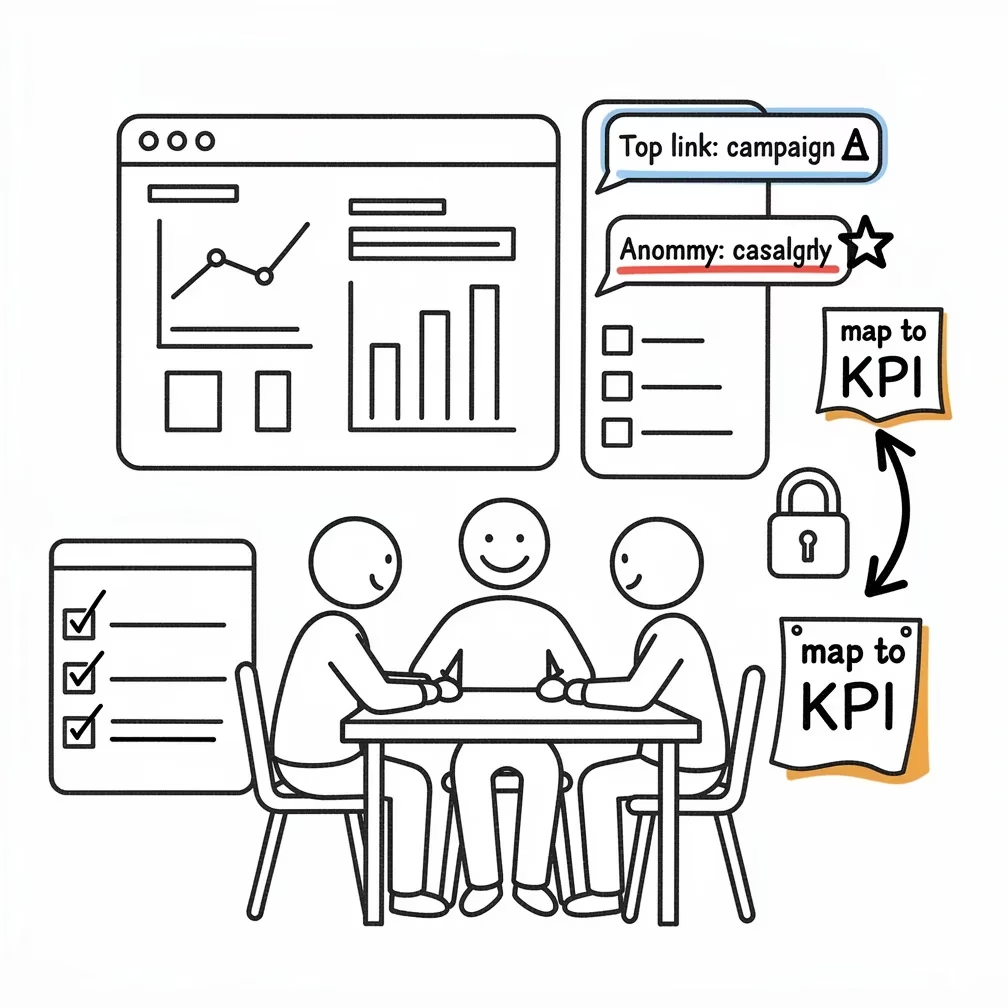
With AI surfacing recommendations, governance becomes essential. Bitly’s docs note enterprise admins can disable AI features at the account level and that some AI features are limited to paid plans — both important controls for compliance and data governance. Marketers must decide who can run conversational queries, how suggested actions are approved, and how outputs map back into canonical dashboards and CRMs to avoid conflicting numbers. Bitly Assist product page and support documentation show admin toggles and plan restrictions.
Practical checklist for agencies and in-house teams (do this this week)
Implement the following immediate steps to adapt your reporting dashboard practices to Bitly’s changes:
- Inventory: List all dashboards and pipelines that consume Bitly links or QR codes (CRM, analytics, BI). Make this a single spreadsheet column that includes owner and refresh cadence. (Bitly’s announcement)
- Governance: Enable role-based controls — restrict Bitly Assist query rights to senior analysts until you formalize approval flows. (admin guidance)
- Mapping: Define how Bitly-surface metrics (e.g., top links, QR scans) map to dashboard KPIs and to your attribution system; add a column to record the canonical source. (See industry context in the launch coverage.)
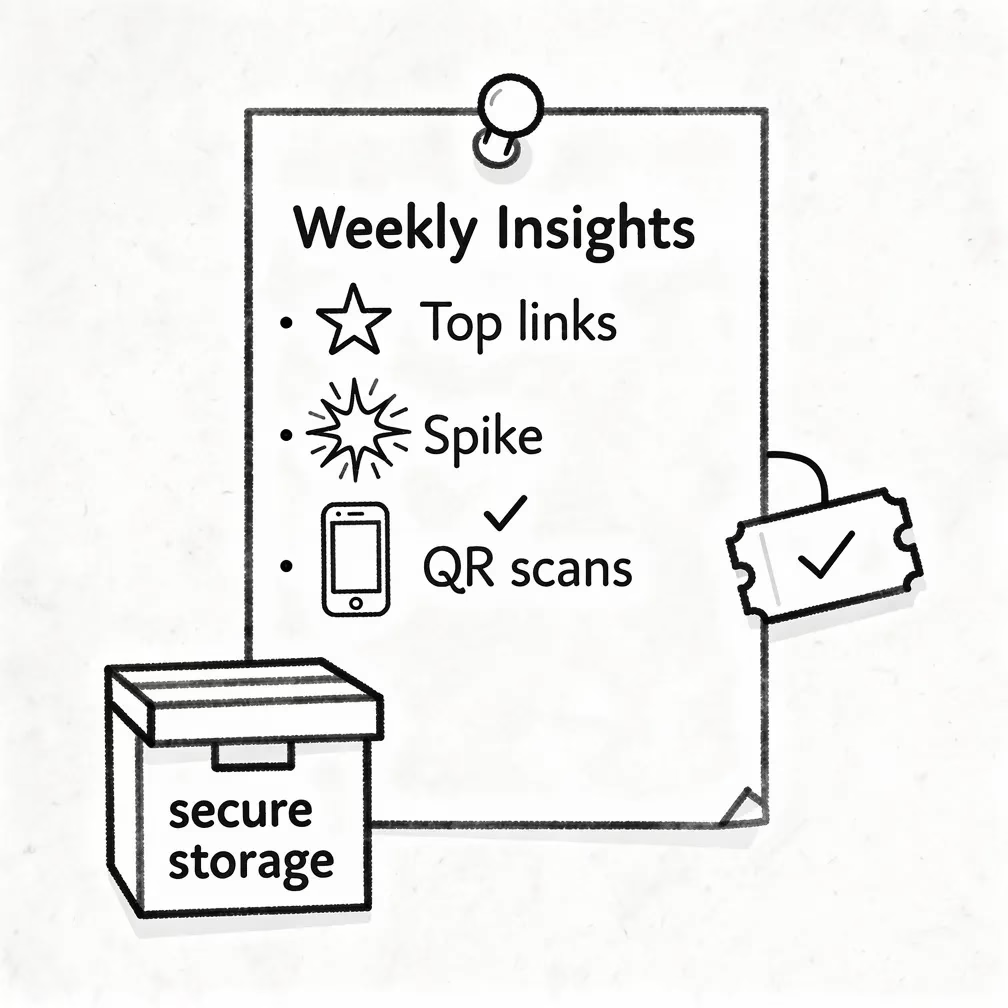
- Alerting: Replace manual weekly exports by subscribing stakeholders to the new Weekly Insights and validate the summaries against existing reports for two full cycles. Weekly Insights details.
- Testing: Create an experiment: route half of campaign links through Bitly with Assist-enabled reporting and the other half through your current process; compare decision latency and accuracy over 30 days. (Use the Bitly feature rollout notes to control for plan differences.)
Recommended dashboard architecture changes
Don’t rip out your BI layer — augment it. Treat Bitly Assist as a fast-insight layer and retain your BI dashboards as the canonical source of truth. Practical changes include: adding a “Bitly insights” section on your executive dashboard with the weekly summary card, exporting Bitly-suggested anomalies into a ticketing/annotation system for dashboard owners, and building a light-weight ETL that ingests Bitly’s link-level metrics into your data warehouse nightly to preserve auditability. Bitly’s press materials and product docs describe the feature set and enterprise controls you’ll need to plan integrations.
Quick integration table
| What to change | Action this week |
|---|---|
| Decision latency | Subscribe stakeholders to Weekly Insights and run a 2-cycle validation. |
| Data lineage | Add Bitly link IDs to your ETL mapping and store raw export files for 90 days. |
| Access control | Limit Bitly Assist usage with role-based policies and document exceptions. |
Bottom line and next steps
Bitly’s April 2, 2026 launch of Bitly Assist and Weekly Insights signals that specialized analytics vendors are embedding conversational AI to accelerate routine analysis; for marketers this reduces friction but raises governance demands. Start by inventorying dashboards that depend on link-level signals, implement controls, and validate AI-driven weekly summaries against canonical BI outputs for two reporting cycles. Review the product announcement and support articles linked above to plan rollouts and admin configuration. Bitly’s launch post and the company support pages provide the operational details you’ll need.
