

This article contains AI-assisted content and has been reviewed and published by a human editor.
What is Firefly Quick Cut and why it matters for marketers
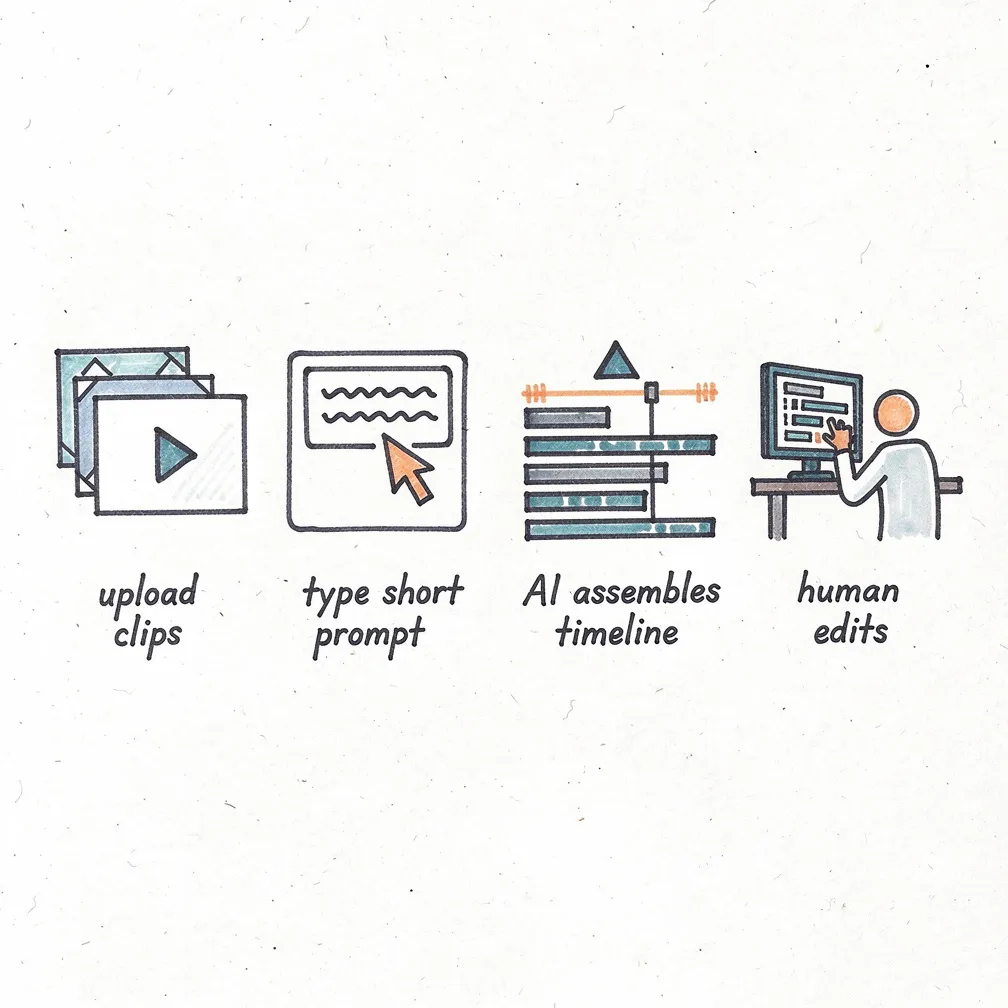
Adobe recently added Quick Cut to the Firefly video editor (beta), an AI-driven feature that analyzes uploaded clips, detects key moments, and assembles a multi-track first draft based on a short text prompt and a few settings (aspect ratio, pacing, desired length). This is aimed at getting creators from raw footage to a workable edit faster so they can focus on storytelling and optimization rather than assembly. 
Key capabilities at a glance
Quick Cut supports dialogue-driven and visual-only workflows, lets you choose the timeline or selection to use, and can optionally generate a B-roll track from supplied assets. It exposes common controls (duration, aspect ratio, pacing) so output is ready for platform-specific formats like 9:16 for short-form or 16:9 for YouTube.
Why this is a practical shift for video-first marketers
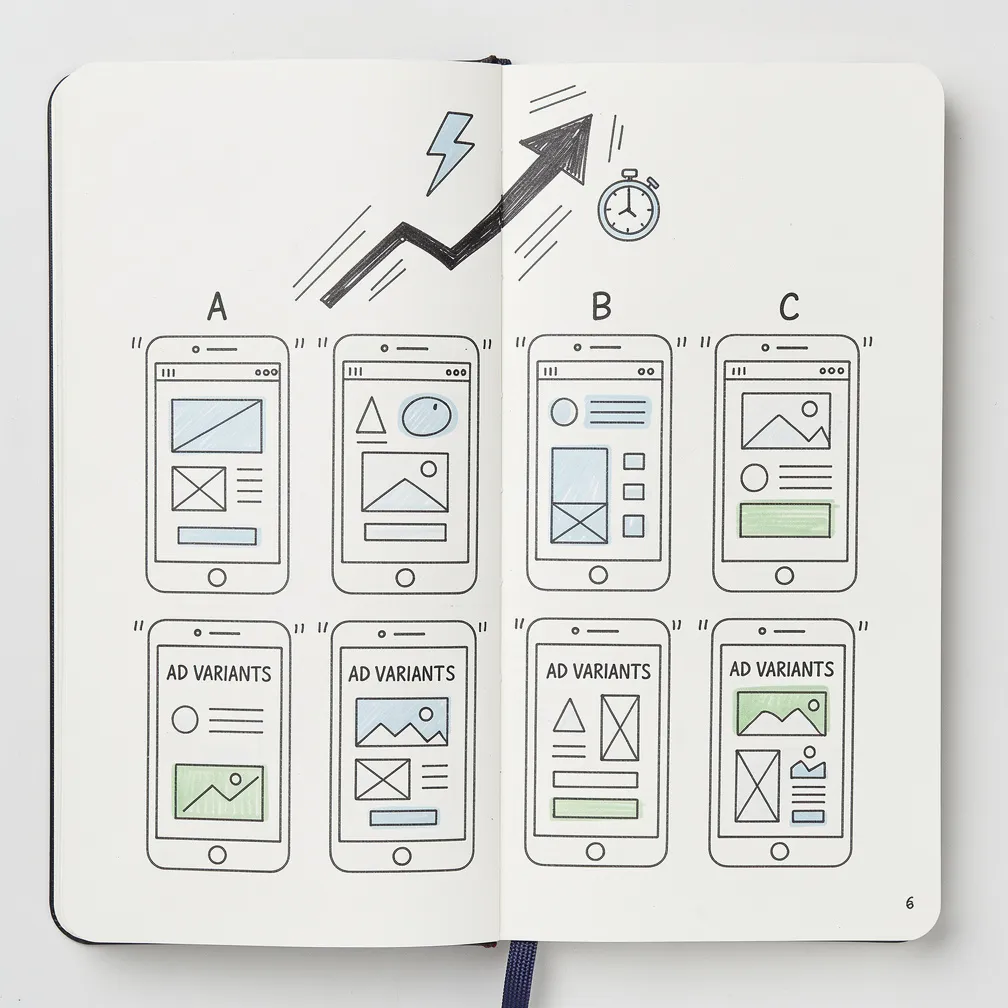
For brands and performance teams, the feature reduces time-to-first-cut. Use cases include product demos, interview highlights, influencer snackables, and quick ad variants for A/B testing. Instead of spending editing hours stitching selects, teams can generate multiple rough cuts rapidly, iterate creative directions, and push variants into ad platforms faster.
Marketers with high-output channels (daily short-form, social ads, shoppable video) can use Quick Cut to produce base creatives and then hand off tightened cuts to editors or creators for final polish. Early coverage notes Adobe positioned the tool specifically to remove the “blank timeline” barrier and accelerate review cycles.
How to use Quick Cut effectively (quick checklist)
- Describe the story in the prompt: mood, pacing, and the single message you want the video to convey.
- Choose appropriate aspect ratio and target duration before generating (this helps preserve shot selection for platform formats).
- Provide or select B-roll to fill transitions and illustrate claims—generated B-roll is available but review for brand fit.
- Edit the transcript/timeline after generation to ensure accuracy and compliance (voice, captions, and claims).
- Generate multiple directions (fast, punchy, narrative) and use early ad testing to see which variant scales.
Practical tips for ad teams and agencies
Start with a pilot: pick one product line or campaign and compare cycle time and cost versus your existing edit process. Save prompts and settings as templates so media teams can reproduce consistent cuts. Use Quick Cut for initial assembly and then apply human-led brand polish for hero assets or high-value media buys.
If you plan to use Quick Cut outputs directly in paid campaigns, add a validation step: check for factual accuracy, visual artifacts, and any unintended IP or likeness issues. Adobe’s guidance and how‑to docs walk through prompt examples and timeline edits—use those to train junior editors and briefs. Read Adobe’s Quick Cut guide.
Concerns and guardrails
AI-assisted rough cuts speed production but bring risks: over-reliance on automated selects can miss contextual nuance, and generated B-roll or transitions may raise IP or authenticity questions for branded content. Editors should verify any AI-generated assets for rights, brand safety, and regulatory disclosure when applicable. Industry coverage also highlights broader debates about AI tools moving into production workflows—marketers should balance speed with compliance and creative control.
What prominent voices on X are saying
Notable X account: @TechCrunch covered the Quick Cut rollout and framed it as an automation that takes creators from “I have clips” to “I have an edit”—emphasizing the feature’s role in speeding initial assembly while noting editors will still need to refine the output for final delivery. That perspective highlights Quick Cut as a productivity tool rather than a full replacement for human craft.
Bottom line for marketers
Adobe Firefly Quick Cut is a practical AI tool for marketing teams that produce frequent short-form or performance creatives. Treat it as a first-draft accelerator: use it to iterate ad directions quickly, then apply human review for brand, legal, and performance optimization. For teams that test many creative variants, Quick Cut can cut production time and cost—but guardrails and a review workflow remain essential.
Concise conclusion
Quick Cut moves AI editing into everyday marketing workflows: it shortens the path from footage to testable creative, but success comes from combining automated first drafts with human-led editing, rights checks, and measurement. Start small, measure uplift, and scale the prompts and templates that prove out in your paid channels.
